


It’s Friday, and the workshop is on Monday
You know the feeling. The brief is vague, the stakeholders disagree about what the problem is, and you’re staring at an empty agenda with a cup of cold coffee.
I’ve designed workshops for more than 20 years. For most of that time, the blank page was simply part of the job. Not anymore.
AI won’t replace facilitators. A room full of people who need to trust each other, disagree well and decide together still needs a human who can read the room. But AI can now take a surprising amount of the heavy lifting off your shoulders: the first draft of the agenda, the clustering of 200 sticky notes, the report nobody wants to write on Tuesday morning.
The trick is knowing which tool belongs where. So here’s my field guide, organised the way a workshop actually unfolds: before, during and after.
Before the workshop: kill the blank page
Design is where AI saves the most time, and where it’s least risky. Nobody in the room sees your first draft, so you can let the machine be wrong cheaply.
Tool: SessionLab
What it does: Agenda planner with automatic timing and a built-in AI Assistant
How I’d use it: Drop in the client brief (Word, PDF, even a photo) and get a timed draft agenda to refine
Tool: Workshop Weaver
What it does: AI planner with a library of 480+ methods, from Liberating Structures to retros
How I’d use it: Ask it which methods fit your goal and group, then steal the best ideas
What it does: General AI assistants
How I’d use it: Sharpen the purpose, draft questions, write the facilitator script
Tool: NotebookLM
What it does: Answers only from the documents you upload
How I’d use it: Load interviews and strategy papers, then ask what tensions keep coming back
A trick worth trying with a general assistant: ask it to play the most sceptical participant in the room. “You’re the head of finance and you think this workshop is a waste of your afternoon. Read my agenda and tell me where you’ll check out.” It’s uncomfortable. It’s also the cheapest rehearsal you’ll ever get.
And if you design the same kind of session often, teach your tool your style. SessionLab lets you set workspace-level context with your preferred methods, so the suggestions stop sounding like everyone else’s.
During the workshop: let the group see itself
In the room, the best use of AI is making the group’s own thinking visible faster. Not adding the machine’s opinions to the mix.
Tool: Miro AI
What it does: Whiteboard with AI for structure, clustering and summaries
How I’d use it: Cluster a wall of stickies in seconds, or set up a reusable “Sidekick” trained on how you design
Tool: Mural
What it does: Whiteboard built around facilitation
How I’d use it: Private mode for silent brainstorming, then AI clustering by topic
Tool: Mentimeter
What it does: Live polling with AI grouping of open answers
How I’d use it: Ask 80 people an open question and show the themes on screen two minutes later
Tool: Slido
What it does: Live polling and Q&A
How I’d use it: Same idea, often already in the client’s licence
Tool: Stormz
What it does: AI-supported workshop platform
How I’d use it: Structured ideation and voting for large online or hybrid groups
Mentimeter’s grouping is the one that changes plenaries most. Once you have ten or more answers, it sorts them into labelled themes. You can rename groups, move answers around, and let people vote on the themes straight after.
That used to be a coffee break and two facilitators frantically moving post-its. Now it’s live. Which is exactly why I’ll come back to it below.
After the workshop: the report writes its first draft
The follow-up is where good workshops quietly die. A week passes, the energy fades, and the report arrives when nobody remembers why it mattered.
What it does: Analysis and writing
How I’d use it: Turn flipchart photos and board exports into themes, decisions and open questions
Tool: Microsoft Copilot
What it does: Notes, transcripts and Whiteboard summaries in M365
How I’d use it: The safe choice when the client lives in Teams, as data stays in their environment
Tool: Otter.ai or Fireflies.ai
What it does: Transcription and meeting summaries
How I’d use it: Capture the plenary so you can facilitate instead of taking notes
Tool: Napkin.ai
What it does: Turns text into visuals
How I’d use it: A one-page visual of what the group decided
Tool: Gamma
What it does: Turns text into slide decks
How I’d use it: A short deck for the people who weren’t there
A good rule of thumb: the report should reach participants within 48 hours, while they still remember the moment it was written about. AI makes that realistic even after a full-day session.
What AI should not do for you
Here’s the provocation I want to leave you with. The sorting is often the workshop.
When a group argues about whether a sticky note belongs under “culture” or “process”, they’re not wasting time. They’re building a shared language. Hand that moment to an algorithm and you get a tidier wall, and a group that never had the conversation.
So before you press the magic button, ask three questions:
Does the group need the result, or the process of getting there? If it’s the process, let people do the clustering and use AI afterwards to check what they missed.
Whose data is this? Participant input is personal and often sensitive. Check where the tool processes it and whether the client’s licence covers AI features. Some tools, like Mural, ship with AI switched off until an admin turns it on, and that’s a good sign.
Would I be comfortable telling the group? If AI grouped their answers, say so. Transparency costs you nothing and earns trust.
AI is a brilliant co-facilitator for speed. It’s a poor substitute for the moment a room realises it agrees on something.
Try this on your next assignment
You don’t need sixteen tools. Start with one per phase:
Understand: load the background material into NotebookLM and find the real question.
Design: turn the brief into a timed agenda in SessionLab, then let Claude play your toughest participant.
Facilitate: run the session in Miro or Mural, and use Mentimeter when the group is too big for sticky notes.
Follow up: turn the outputs into a report with Claude, and get it out within 48 hours.
Then ask yourself one honest question afterwards: did AI give me more time with the people, or less?
If it’s more, you’re using it well.
Which AI tool has changed how you facilitate, and which one disappointed you? Hit reply and tell me. I read every answer.
I hope this post, made sense and you found it useful.
If “HELL YEAH!”, please like it and share it in social media so more people can get can also benefit from it :-)
I would also appreciate if you subscribe, and give some comments here if you wonder something and want to give me some feedback. I would love to read your input here!
If you have a Substack yourself and like my content, I would love for you to recommend “Facili-station” to your subscribers.
Have a nice one!!
Looking for a coach?
In service of those who serve others.
Leadership is hard. Whether you’re stepping into management, leading an entire organization or wondering about your career, the challenges are real: confusing, overwhelming, and sometimes isolating.
I offer a tailored 1:1 or team coaching quarterly program to help you move forward with clarity and confidence. I’ve walked in your shoes, and I’ll work with you to build the resilience and relational skills needed to lead well, beyond just the work.
If this sounds like what you need, let’s talk. Email me at jose@facilistation.com to book a no-strings attached, no-obligation call to talk about your needs and see what I can offer that will fit you the best. Because coaching isn’t expensive. Staying stuck is.
You should see the cost of a life and work that you don’t love... sometimes one good conversation can change your life and your career forever.

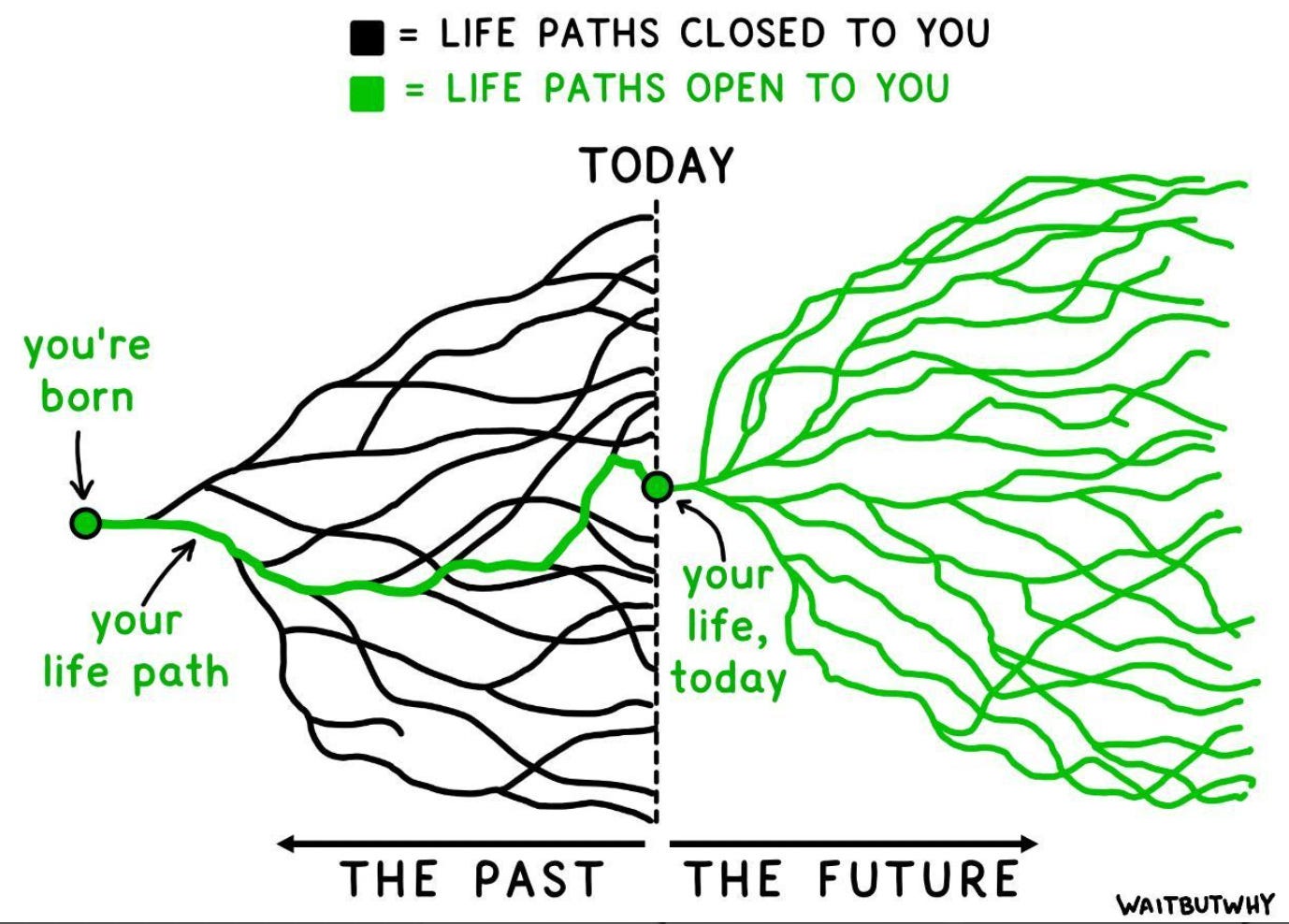
Looking for a facilitator and workshop designer?
If you need a workshop designer and facilitator to help you or your team to solve challenges, find solutions, make decisions, and to be more effective an perform better and faster, or a trainer to teach your team on how do this, please contact me at jose@facilistation.com
My workshops are designed to provide the structure required to quickly align and move forward with a plan or idea so you can reclaim time, energy and headspace.
agreed.